-
Step 3
Enter your card’s security code to add your credit or debit card affiliated with your iTunes account. Or, select “add a different card”, and use your iPhone camera to scan the card information.
A member of our advisory team will contact you shortly to discuss your requirements and next steps.
Back to the Homepage
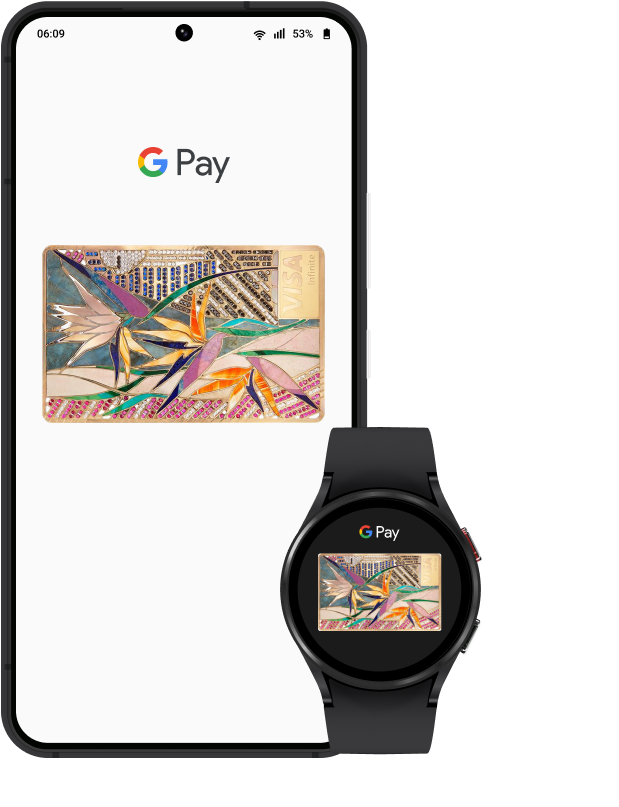
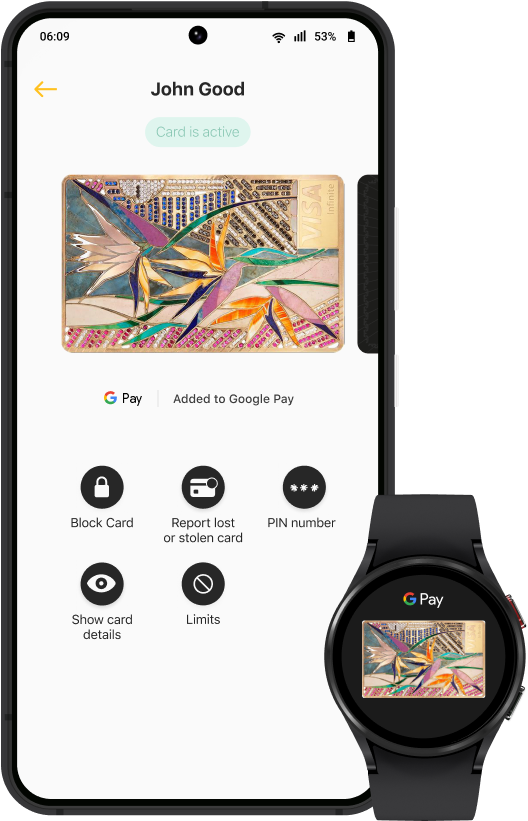
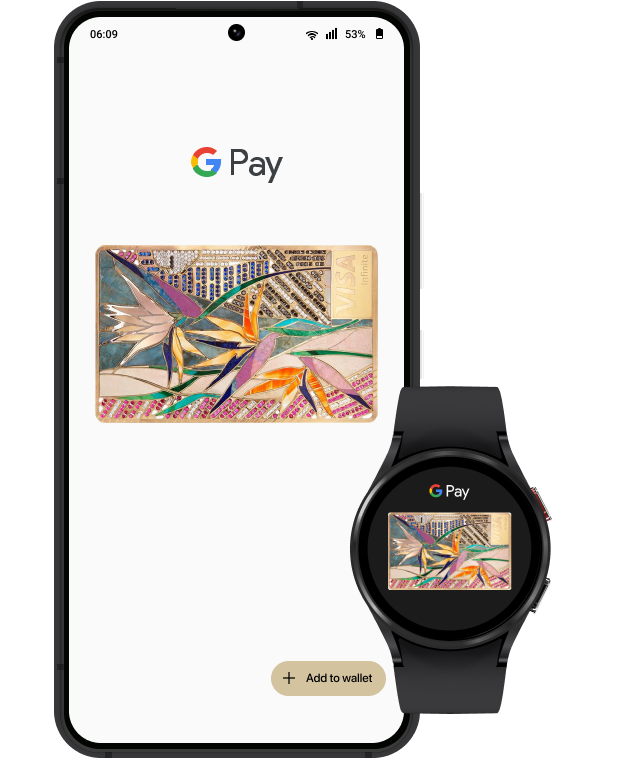
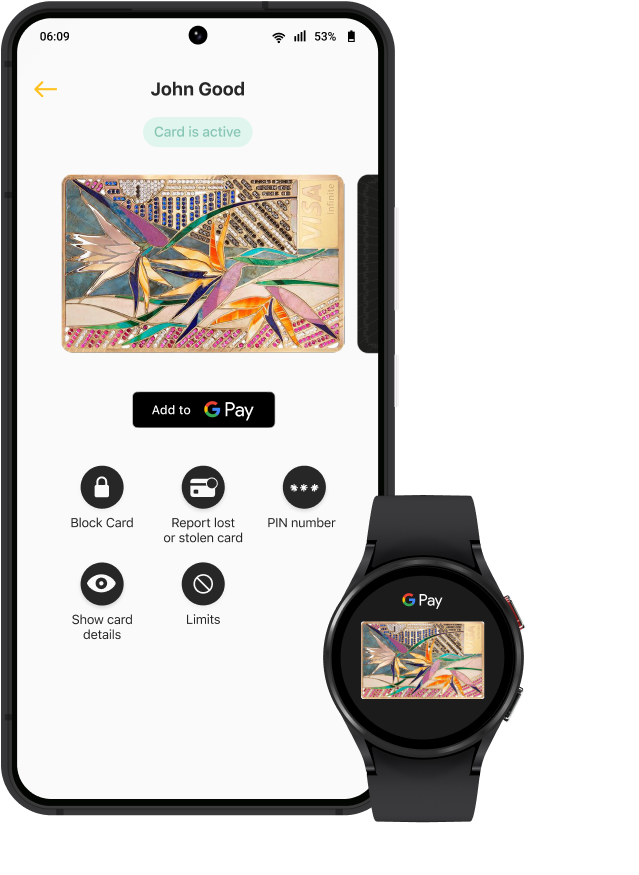
Google Pay is the one way to pay. It replaces your physical cards and cash with an easier, safer, more secure, and private payment method — whether you’re in a store, online, or sending cash to friends or family. It’s money, made modern.
Enter your card’s security code to add your credit or debit card affiliated with your iTunes account. Or, select “add a different card”, and use your iPhone camera to scan the card information.
Follow the instructions of the bank